Table of Contents
ToggleProtecting a home doesn’t require a subscription service or a contractor’s quote anymore. Eufy security cameras offer homeowners an accessible entry point into smart home surveillance, with straightforward installation, solid performance, and prices that won’t drain the renovation budget. Whether someone is upgrading an older system or setting up their first camera, understanding what Eufy brings to the table, and where its limits sit, helps frame a realistic decision. This guide walks through the key features, installation reality, and honest trade-offs so homeowners can decide if Eufy fits their security needs.
Key Takeaways
- Eufy security cameras offer DIY installation in under an hour with no mandatory subscriptions or professional setup, making them an accessible choice for homeowners upgrading or starting their first system.
- Local storage via microSD cards or NAS systems eliminates recurring cloud fees and appeals to privacy-conscious users, though optional cloud backup is available for remote access.
- Eufy delivers solid 1080p or 2K night vision with infrared range covering 20–30 feet, though most models lack color night vision—a trade-off for the competitive $70–$300 price point.
- AI-powered motion detection distinguishes people, vehicles, and animals from false triggers, reducing alert fatigue and extending battery life on wireless models.
- Eufy security camera performance depends on stable 2.4 GHz WiFi connectivity; placement 8–10 feet high with clear line of sight ensures optimal video quality and field of view.
- Choose Eufy if privacy and cost are priorities; consider Ring or Nest alternatives only if seamless smart home ecosystem integration or professional monitoring is non-negotiable.
Why Eufy Cameras Stand Out for DIY Home Security
Eufy has carved out a niche by designing cameras with DIY installation in mind. Unlike some competitors that demand professional setup or monthly fees just to view footage, Eufy’s core appeal is simplicity and independence. Most models work standalone, they don’t require a hub, a subscription, or cloud storage just to function. A homeowner can mount a camera, tap a few app settings, and start watching within 30 minutes.
Another reason Eufy resonates with homeowners is the local storage option. Footage saves to onboard microSD cards or NAS (network-attached storage) systems, meaning no reliance on cloud servers or recurring fees to access what the camera captured. This resonates especially with privacy-conscious folks and those in areas with spotty internet. The brand’s build quality sits solid in the mid-range: cameras don’t feel cheap, and they’ve got decent warranty coverage.
The price-to-feature ratio also matters. Eufy undercuts many name-brand competitors (like Ring and Nest) while still delivering night vision, motion alerts, and decent app integration. For a homeowner on a tight budget who wants reliable monitoring without the smart-home ecosystem lock-in, Eufy is a practical choice.
Key Features and Performance Overview
Video Quality and Night Vision Capabilities
Most Eufy outdoor and indoor models capture 1080p or 2K resolution. In daylight, 1080p delivers clear enough detail to identify a face or package on a doorstep from 5–8 feet away: 2K pushes that a bit further. Night vision relies on infrared LEDs, not visible light, so footage looks monochrome in low light but remains sharp. Eufy’s infrared range typically covers 20–30 feet, depending on the model, which handles most residential driveways and entryways.
Where Eufy stumbles slightly is low-light color video. Some competitors offer color night vision through supplemental white LEDs, but most Eufy models skip that feature. If seeing exact colors at dusk matters (say, identifying a car’s color from a nighttime recording), a higher-priced alternative might suit better. Contrast and clarity in monochrome night mode are good, no blind spots.
Smart Detection and Alert System
Eufy’s AI-powered detection filters out false alerts by distinguishing people, vehicles, and animals from leaves blowing or light changes. When set up correctly, this cuts down on junk notifications. A homeowner gets pinged only when a person walks across the driveway, not every time a delivery truck passes. That specificity saves battery life on wireless models and reduces alert fatigue.
Alerts arrive via smartphone app with a thumbnail snapshot. From there, users can view live feed, speak through two-way audio on eligible models, or check recorded clips. Response time is usually under 2 seconds once motion is detected. Recent home automation reviews from leading tech outlets highlight Eufy’s detection reliability as one of its strong points, though results depend on proper placement and lighting conditions.
Installation and Setup for Homeowners
Installation is where Eufy earns its DIY reputation. Most models mount with just a power supply, mounting bracket, and screws, no special wiring, no permits, no licensed electrician needed for wireless or battery-powered units. Wired models do require a power outlet or hardwired 24V run, which takes a bit more planning but still sits within typical homeowner capability.
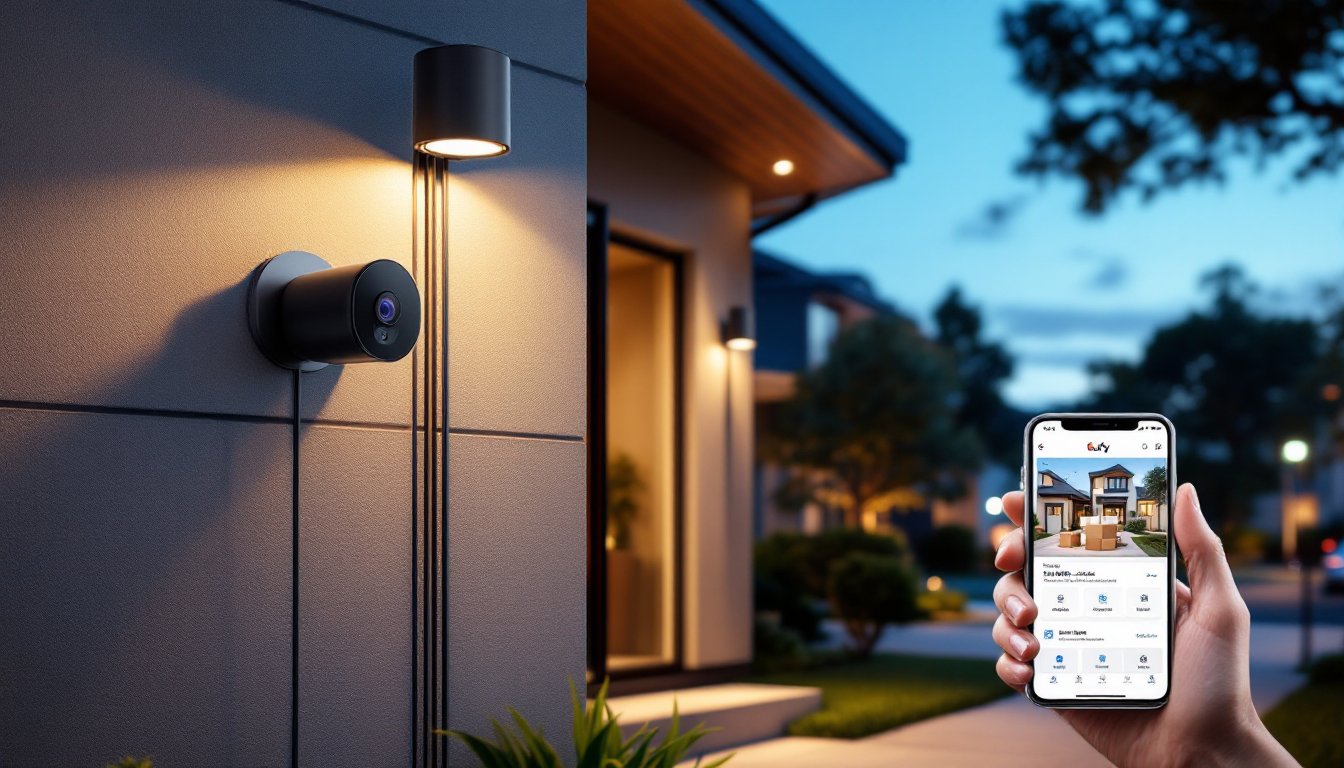
Mounting tip: Choose a spot 8–10 feet high with a clear view of the target area (driveway, front door, patio). Too low and vandals can cover the lens: too high and detail suffers. Use a level when fastening brackets to ensure the camera isn’t tilted, which distorts the field of view.
Once mounted, power the camera and download the Eufy app (iOS or Android). Scan the QR code on the camera or box, join it to the home WiFi (2.4 GHz band, not 5 GHz, on most Eufy models, check specs), and configure recording mode, detection sensitivity, and notification zones. This usually takes 10–15 minutes.
WiFi strength matters. If the camera sits 40+ feet from the router or behind two brick walls, expect stuttering or dropped connection. A mesh router or WiFi extender in the camera’s area solves this. A homeowner with an older router might want to upgrade the network first.
For local storage setup, insert a microSD card (check model compatibility: most accept up to 256 GB) and enable local recording. Alternatively, plug the camera into a NAS if one exists on the home network. Both approaches work without cloud subscriptions, though Eufy’s cloud option (optional, fee-based) provides a backup and remote access even if the local network goes down.
Is Eufy Worth the Investment? Pros, Cons, and Alternatives
Pros:
- No subscription required for basic features (recording, playback, alerts)
- Local storage option protects privacy and saves on cloud costs
- Straightforward DIY installation: most models ready in under an hour
- Solid night vision and AI detection reduce false alerts
- Competitive pricing ($70–$300 per camera depending on model)
- Integrates with smart home platforms like Alexa and Google Home
Cons:
- Limited color night vision compared to some pricier alternatives
- Requires 2.4 GHz WiFi: no Thread or Zigbee support on most models
- App interface isn’t as polished as Ring or Nest apps
- Limited customer support (chat-based, slow response times reported)
- No professional monitoring option
- Battery-powered models require seasonal recharging (not true solar on entry-level units)
Alternatives to Consider:
Ring (Amazon owned) offers tighter Alexa integration, professional monitoring, and a flashier app. Trade-off: monthly subscription fees and more aggressive cloud dependency. Ring cameras typically cost $20–$50 more upfront.
Nest (Google) pairs seamlessly with Google Home and Nest products. Detection and video quality are marginally better, but costs run higher and subscriptions are mandatory for recorded history.
Reolink competes directly with Eufy on price and features, with better local NAS support and wired PoE (power over ethernet) options. Setup can be more technical.
Recent product reviews of Eufy’s edge security systems show how the brand positions itself against larger competitors, strong for price-conscious buyers, solid for privacy advocates, and adequate for standard residential security. Choose Eufy if: privacy and cost matter most, internet-connected solutions feel risky, or the home network is stable. Consider alternatives if: seamless smart home ecosystem integration is non-negotiable or professional monitoring is essential.
Conclusion
Eufy security cameras deliver practical, affordable protection without forcing homeowners into subscriptions or complex ecosystems. Installation is straightforward, performance is reliable, and the value proposition is clear. They’re not perfect, color night vision is limited, app polish lags competitors, and support can be slow, but for a budget-conscious homeowner installing their first system or adding to an existing setup, Eufy checks the box. Measure the home’s WiFi strength, commit 30 minutes to setup, and expect a working security camera that respects both privacy and the wallet.