Table of Contents
ToggleStarting a Frigidaire dishwasher isn’t complicated, but if you’re new to the model or recently installed one, the controls can feel a bit unfamiliar. Whether your unit has touch buttons, a dial, or a combination of both, understanding the basics takes just a few minutes. This guide walks you through locating controls, loading dishes properly, selecting your cycle, and hitting start, so you can get clean dishes without second-guessing yourself. We’ll also cover what to do if something doesn’t work as expected, because the occasional hiccup happens to everyone.
Key Takeaways
- To start a Frigidaire dishwasher, locate the start button (typically the largest, most prominent control), select your desired cycle, and press and hold the button for 1–2 seconds until you hear a beep and the door locks.
- Proper loading and detergent placement are essential: load the bottom rack with plates facing inward, top rack with glasses facing downward, and ensure the detergent dispenser door inside the dishwasher door is firmly latched before starting.
- Select the appropriate cycle for your load—Normal/Auto for everyday dishes, Heavy for pots and pans, Quick for lightly soiled items, or Eco for energy savings—to optimize water temperature, wash duration, and energy use.
- If your Frigidaire dishwasher won’t start, first check that the detergent dispenser is latched, the door is fully closed, and power is on; these three issues account for most startup failures.
- Prevent common post-wash issues like spotty dishes by using rinse aid, avoiding overcrowding to allow water circulation, and enabling the drying option if your model has one.
- If the control panel is unresponsive, reset the dishwasher by unplugging it for 10 seconds and plugging it back in, and verify that any control-lock feature isn’t accidentally engaged.
Understanding Your Frigidaire Dishwasher Controls
Every Frigidaire dishwasher model has a control panel, but the exact layout varies. Older models feature a mechanical dial, while newer ones use touchscreen or button-based interfaces. Spending a minute familiarizing yourself with your panel prevents confusion later.
Most Frigidaire units display the cycle name and time remaining on a digital display, and controls sit either above or below it. Some models have a delay start feature and a dedicated start/stop button, while others combine functions into a single control.
Locating the Start Button and Main Controls
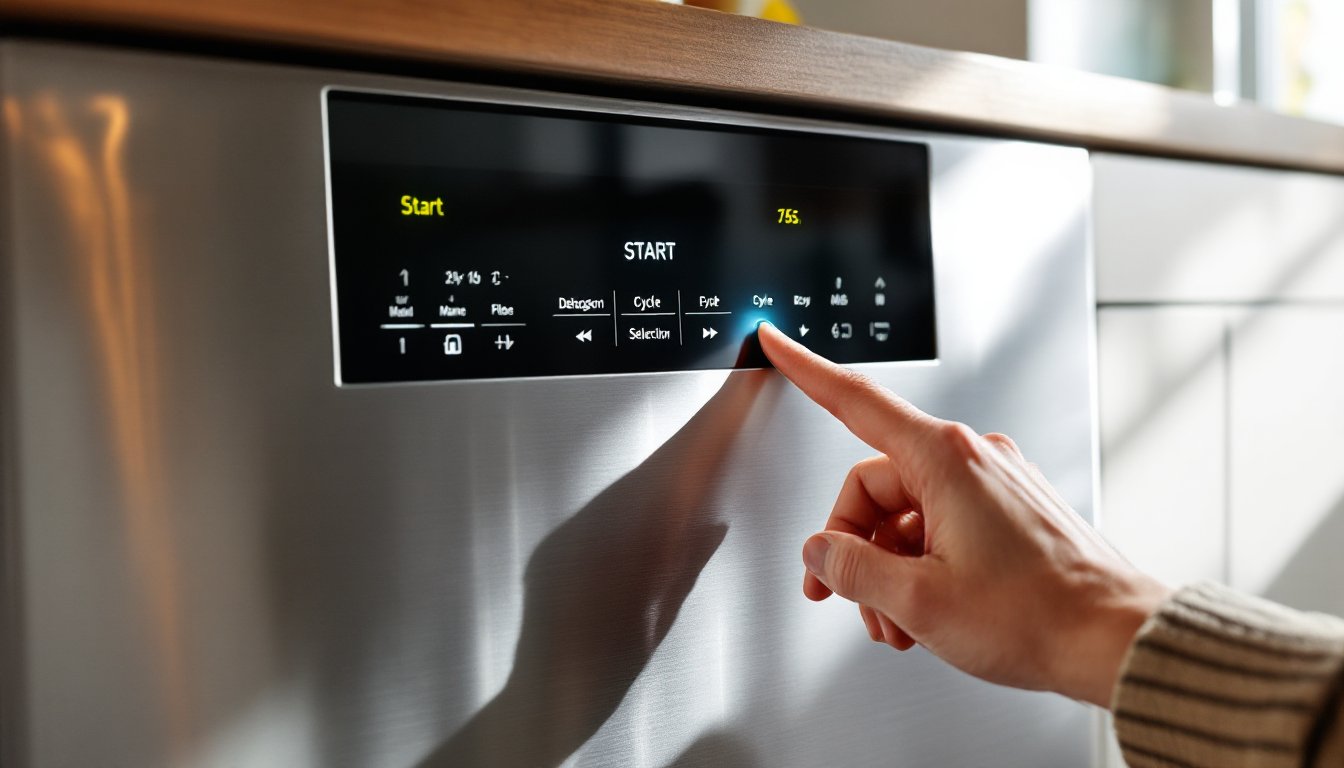
The start button is typically the largest, most prominent button on your control panel. On touch-sensitive models, it’s usually labeled “Start” or “Go” and sits toward the right side of the panel. On dial-operated units, you’ll turn the dial to your desired cycle and then press a separate start button.
Look for these other key controls: the cycle selection buttons (or dial) that let you choose wash intensity and water temperature, a delay start button if your model offers it, and sometimes a lock or control-lock function that prevents accidental button presses during operation.
If your Frigidaire model has a touchpad, you’ll see labeled icons above or below the screen, wash selections on the left, start/stop on the right is a common layout. Check your owner’s manual (usually available on Frigidaire’s website if you’ve misplaced the physical copy) to confirm your exact button arrangement. Many newer models include a quick-reference sticker on the inside of the door, too.
Pre-Start Preparation Steps
Before you even think about pressing start, proper loading and detergent choice make the difference between spotless dishes and cloudy glassware. Skip these steps and you’re setting yourself up for disappointing results.
Loading Your Dishes and Adding Detergent
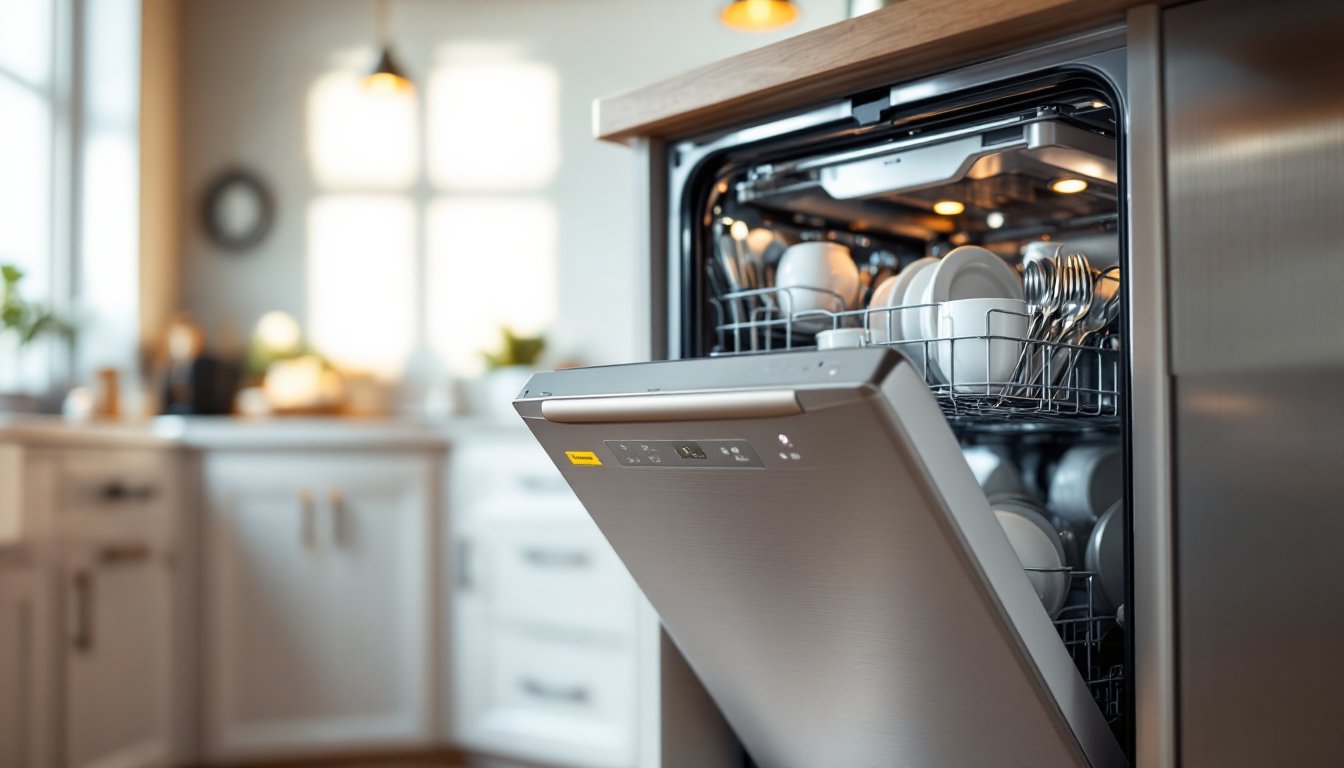
Load the bottom rack first, plates, bowls, and heavier items face inward toward the spray arms. Place larger items on the sides and back, smaller bowls toward the center. Don’t cram: water and detergent need to reach all surfaces.
On the top rack, load glasses, cups, and smaller plates. Face them downward or at an angle so water drains off rather than pooling inside. Avoid placing delicate items directly under the top spray arm if your model has an adjustable arm: they can bang around during the cycle.
Load the utensil basket, most Frigidaire models have one, with handles pointing down (this helps them rinse better). Spread utensils apart so they don’t nest together. If your model has an upper basket for utensils instead, follow the same spacing rule.
Don’t forget the detergent. Frigidaire dishwashers work best with 2-3 tablespoons of powder detergent or one pod (follow the detergent manufacturer’s guidance for water hardness in your area). Open the detergent dispenser on the inside of the door, it usually clicks open, and pour or drop in your detergent. Close and latch it firmly: if it doesn’t latch, your detergent won’t release at the right time.
Pre-rinsing dishes is a debate among DIYers, but most modern Frigidaire models handle light food residue without issue. Heavy food buildup, like dried pasta or baked-on sauce, still benefits from a quick rinse. Resources like how-to guides for using dishwashers properly recommend a light rinse over aggressive scrubbing.
Starting Your Frigidaire Dishwasher
Once your dishes are loaded and detergent is added, you’re ready to start the cycle. This step is straightforward, but choosing the right cycle matters for water temperature, wash duration, and energy use.
Selecting Your Cycle and Initiating the Wash
Most Frigidaire dishwashers offer several cycles:
- Normal/Auto Wash: Default setting for everyday dishes: uses moderate water temperature and a standard wash duration (typically 2.5–3 hours).
- Heavy/Pots & Pans: Higher water temperature and longer wash for heavily soiled items.
- Quick Wash/Express: 30–45 minute cycle for lightly soiled dishes: uses less water and energy.
- Delicate/China: Lower temperature and gentle spray for fragile glassware and fine china.
- Eco/Energy Saver: Reduces water and energy: good for lightly soiled loads and cost-conscious households.
On dial-operated models, turn the dial to your chosen cycle. The dial will click into position. On touch-button models, press the cycle button until the display shows your selection (you’ll usually see a light or text confirm the choice).
Once your cycle is selected, press and hold the Start button for 1–2 seconds. Many Frigidaire models require a brief hold to prevent accidental activation. You’ll hear a beep (or see a light flash), and the door will lock. The cycle begins immediately on most models, though some allow you to use the delay start feature if you want the wash to begin at a later time.
On delay-start models, after pressing Start, you’ll have a window (usually 3–19 hours) to press the delay start button and set your desired time. The dishwasher will hold your cycle selection and begin at the scheduled time.
If nothing happens after pressing Start, double-check that the detergent door is properly latched, this is the most common reason a cycle won’t begin. Also verify the door is fully closed: many models won’t start if the door latch isn’t fully engaged.
Common Issues and Quick Troubleshooting
Most Frigidaire dishwashers start without issue, but a few snags can trip up first-time users or cause frustration even if you’re familiar with the model.
The cycle won’t start. The detergent dispenser door isn’t latched, open the door, reload it, and try again. The dishwasher door isn’t fully closed: ensure the handle is pushed forward and you hear a click. On some models, a safety sensor prevents operation if the latch isn’t engaged. Power is off or tripped: check your circuit breaker and flip it back on if needed.
The dishwasher starts but won’t fill with water. Check the water inlet valve (usually located under the sink) and make sure the water supply line isn’t kinked or closed. Mineral buildup can block the screen in the inlet valve: you may need to clean or replace it. Fill the bottom of the tub with water and run a quick rinse cycle to confirm water flow.
Dishes come out wet or spotty. Detergent residue or insufficient rinsing sometimes causes spots on glassware. Try a rinse aid product (Rinse-Glo or similar) if you haven’t already, it significantly reduces spotting and helps water bead off. Load fewer dishes to allow better water circulation. If your model has a drying option, enable it: the heating element will help evaporate remaining moisture.
The control panel is unresponsive. A full system reset sometimes helps: unplug the dishwasher for 10 seconds, then plug it back in. If the panel still doesn’t respond, check whether a control-lock feature is engaged (usually disabled by holding a specific button for 3–5 seconds, check your manual for the exact method).
If you’re encountering persistent issues, Frigidaire’s troubleshooting guide offers detailed diagnostics for common problems. For appliance operation and maintenance insights, The Kitchn also covers kitchen appliance best practices.