Table of Contents
ToggleIndoor air quality matters more than ever, and a HomeKit air purifier gives you control from your phone or voice command. Whether you’re managing allergens, pet dander, or just want cleaner air while you sleep, a HomeKit-compatible air purifier integrates seamlessly into your smart home ecosystem. Unlike standalone units gathering dust on a shelf, these devices connect to Apple HomeKit, letting you monitor air quality in real time, set schedules, and automate cleaning based on pollution levels. This guide breaks down what HomeKit air purifiers do, which models actually deliver, and how to install and maintain one without overthinking it.
Key Takeaways
- A HomeKit air purifier connects to Apple’s HomeKit ecosystem via Wi-Fi or Thread, enabling remote monitoring of real-time air quality data and voice control through Siri.
- HomeKit air purifiers use HEPA filters to capture particles down to 0.3 microns, activated carbon layers for odor removal, and pre-filters for larger debris, typically requiring replacement every 6 to 12 months.
- Automations in HomeKit allow you to set schedules based on pollution levels, humidity changes, or daily routines—such as ramping up fan speed during cooking or activating quiet mode at bedtime.
- Setup takes minutes: power on, scan the HomeKit code in the Home app, assign a room, and ensure a 2.4 GHz Wi-Fi connection; HomeKit will handle filter alerts and maintenance reminders automatically.
- Budget $300 to $900 depending on room coverage and features, and factor in filter replacement costs of $40–$100 per replacement, typically needed 1–2 times annually for optimal performance.
- Proper placement away from walls and obstructions, along with routine maintenance like cleaning pre-filters monthly and monitoring HomeKit logs, ensures long-term efficiency and effectiveness.
What Is A HomeKit Air Purifier And How Does It Work
A HomeKit air purifier is a smart home device that cleans indoor air while connecting to Apple’s HomeKit ecosystem. At its core, it works like any air purifier: air passes through a series of filters (usually HEPA, activated carbon, and pre-filters) that trap particles, odors, and pollutants before the clean air recirculates into your room.
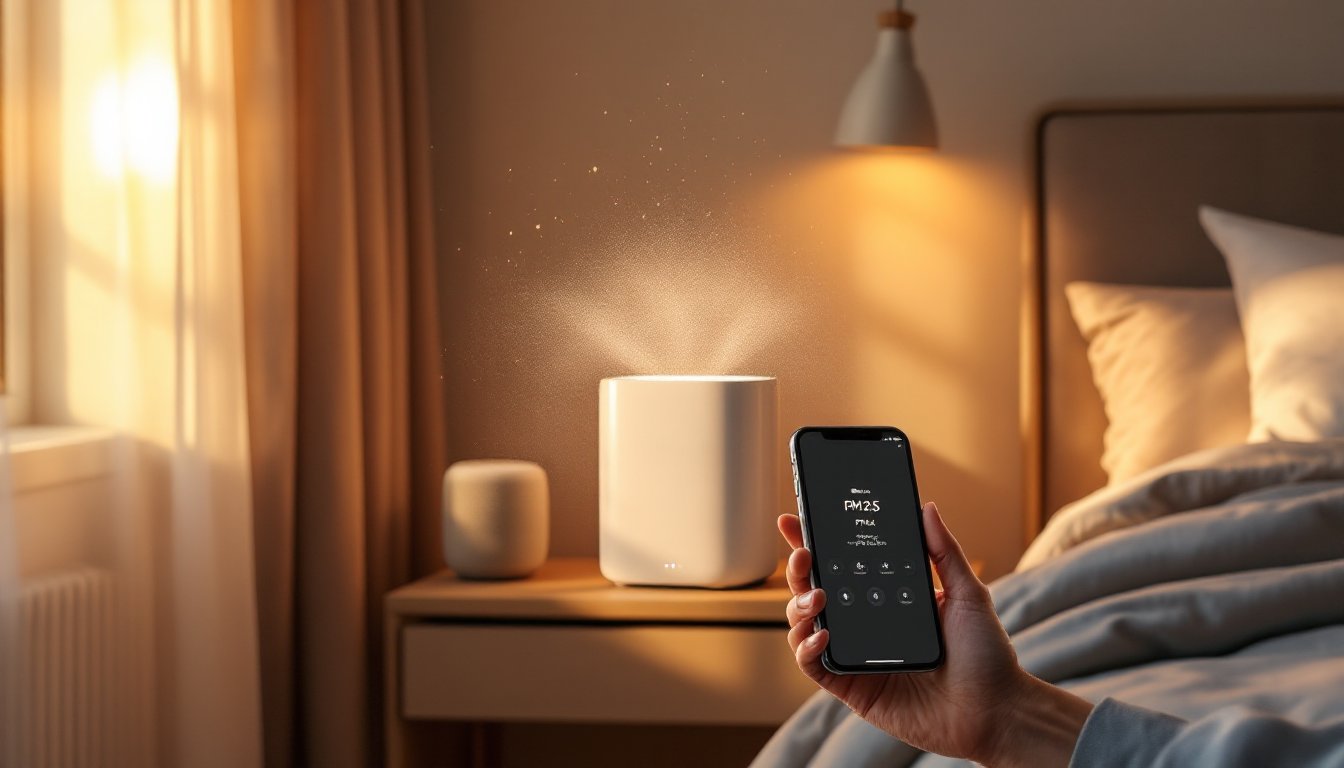
The “smart” part means the device talks to HomeKit via Wi-Fi or Thread (a wireless mesh protocol that improves reliability). You get real-time air quality readings right in the Home app, showing PM2.5 levels, humidity, and temperature. You can turn it on and off remotely, adjust fan speeds, receive filter replacement alerts, and create automations. For example, you might set it to ramp up when someone’s cooking or automatically kick into high gear if pollution spikes.
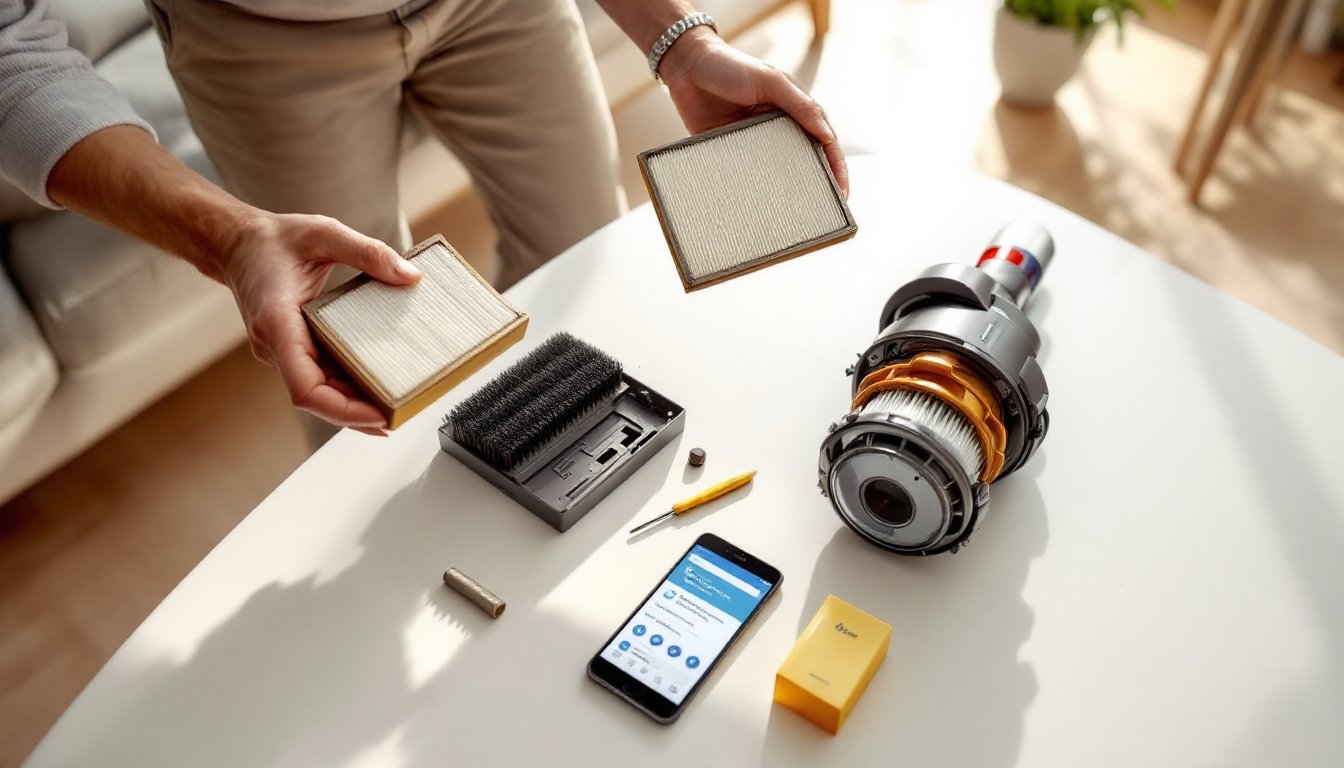
HEPA filters capture particles down to 0.3 microns, dust, pollen, mold spores, and fine particulate matter. Activated carbon layers handle odors and volatile organic compounds (VOCs). Pre-filters catch larger debris, extending the life of the HEPA stage. Most units tell you when filters need replacing, usually every 6 to 12 months depending on usage and air quality.
Key Benefits Of HomeKit-Compatible Air Purifiers
Remote control and monitoring tops the list. You can check air quality and adjust settings from anywhere, useful if you’re away and want to freshen up before arriving home, or if you forget to turn it on before bed.
Automations save energy and improve comfort. Set the purifier to run during peak pollen season only, activate it when humidity climbs, or link it to a bedtime scene that turns on quiet mode. HomeKit automations respond to time, location, sensor triggers, or manual scenes you create, no tinkering with the device itself.
Filter alerts prevent waste and ensure performance. The device tracks filter life and notifies you when replacement is due. You won’t accidentally run a clogged filter that reduces effectiveness, and you’ll actually change filters on schedule instead of guessing.
Integration with your broader smart home eliminates friction. If you already use HomeKit with lights, thermostats, or door locks, adding an air purifier means one app, one ecosystem, and one set of automations. No separate apps cluttering your phone.
Real-time air quality data helps you make informed decisions. See PM2.5 levels, humidity, and temperature trends. If you have allergies or asthma, this visibility lets you respond quickly instead of assuming the air is fine.
Top-Rated HomeKit Air Purifier Models To Consider
Several models stand out for reliability and HomeKit support. The Eve MotionBlinds line includes air quality monitoring, but for dedicated purification, the Eve MotionBlind-compatible ecosystem connects with HomeKit. More directly, brands like Dyson, Coway, and Levoit offer HomeKit-ready units, though availability and HomeKit certification vary by region and release date.
When choosing, consider room size (measured in CADR, Clean Air Delivery Rate), noise levels at different fan speeds, filter replacement costs, and warranty terms. Larger rooms (400+ square feet) may need two smaller units or one high-powered model: compact spaces (under 200 square feet) don’t justify oversized equipment.
Industry reviewers regularly test HomeKit air purifiers. Recent roundups on top smart air purifiers for 2026 and CNET’s best air purifier picks highlight models with strong HomeKit integration, HEPA performance, and real-world reliability. Compare noise levels (measured in decibels) across fan speeds, quiet mode might run 25–30 dB, while high mode hits 60+ dB. If you plan to run it in a bedroom, noise matters.
Budget typically ranges from $300 to $900 depending on room coverage, filter quality, and smart features. Don’t assume cheaper means worse: some mid-range models outperform premium ones. Read verified user reviews mentioning HomeKit reliability, not just filter performance.
How To Set Up And Install Your HomeKit Air Purifier
Installation is straightforward for most units. Most HomeKit air purifiers need only a power outlet and Wi-Fi access, no wiring or structural changes.
Before you start:
- Check that your Wi-Fi network is strong where the purifier will sit. If signal is weak, consider adding a Wi-Fi extender or using HomeKit’s Thread mesh (if your device supports it).
- Place the unit away from walls and obstructions so air can circulate freely. Most instructions recommend at least 12 inches of clearance on intake sides.
- Unpack and remove all plastic wrapping, seals, and protective layers from filters before powering on.
Initial setup steps:
- Plug in the unit and let it initialize (usually 1–2 minutes).
- Open the Home app and tap the + icon to add an accessory.
- Scan the HomeKit code printed on the device (or inside the box) with your iPhone camera.
- Assign the purifier to a room (bedroom, living room, etc.) and customize the name.
- Set your home hub (HomePod, Apple TV, or HomePod mini) to enable remote access and automations.
If HomeKit doesn’t immediately recognize it, restart the device and try scanning the code again. Make sure you’re using a 2.4 GHz Wi-Fi band, some HomeKit devices don’t support 5 GHz or 6 GHz only.
Integration With Your Smart Home System
Once added, create automations and scenes. A basic bedroom scene might include the purifier running at medium speed, lights dimmed, and temperature set to 68°F. For allergy season, set a recurring automation to turn on high speed each morning at 7 a.m. You can also pair it with air quality sensors, if a separate HomeKit air quality monitor detects pollution, trigger the purifier automatically.
Voice control works through Siri if your home hub is set up. Say “Hey Siri, turn on the air purifier” or “Set the air purifier to high speed.” Some models even report air quality in response to voice queries.
Ensure notifications are enabled so you get alerts about filter life and error states. HomeKit can also share access with family members, useful if multiple people live in your home and need to adjust settings.
Maintenance And Care Tips For Long-Term Performance
Proper maintenance extends filter life and keeps your purifier running efficiently. Pre-filters (the foam or mesh layer) capture large dust and pet hair and can often be cleaned rather than replaced. Check your manual, some models let you rinse the pre-filter under running water monthly, which can extend overall filter life by weeks or months.
Replace the HEPA and activated carbon filters according to manufacturer recommendations, usually every 6 to 12 months. If you live in a high-pollution area, have pets, or run the unit constantly, filters may clog faster. The HomeKit alert system tells you when it’s time: don’t ignore it. A clogged filter means reduced airflow and lower effectiveness, defeating the purpose.
Keep the unit clean. Dust the exterior casing and vents with a soft cloth every few weeks. Don’t spray cleaner directly on the device, use a slightly damp cloth. Ensure intake and output vents remain unobstructed.
Monitor filter costs before buying. A HEPA replacement filter might cost $40–$100, depending on the brand and size. Multiply that by 1–2 per year to estimate annual maintenance costs. Some brands have cheaper third-party filters: others only sell OEM (original equipment manufacturer) replacements at premium prices.
Position the unit strategically. Place it centrally in high-traffic rooms or bedrooms, not in corners or behind furniture. Air needs to circulate to be effective. Bedside placement is fine if the noise doesn’t disturb you: if it does, move it a few feet away or use quiet mode.
Recalibrate air quality sensors occasionally. If readings seem off, check the manufacturer’s calibration procedure, most require a simple reset or factory refresh. Dust buildup on sensors can skew readings, so gently clean sensor openings if visible.
Regularly review HomeKit logs and alerts. The app shows runtime and maintenance reminders, helping you spot patterns (e.g., if the purifier runs constantly, air quality in that room may be particularly poor).
Conclusion
A HomeKit air purifier brings convenient, automated air cleaning to your home without complexity. It monitors real-time air quality, integrates with your existing smart home, and handles repetitive tasks through automations so you don’t have to think about it. Focus on matching the unit’s capacity to your room size, budgeting for filter replacements, and positioning it for effective air circulation. With solid setup and routine maintenance, you’ll breathe easier, literally, for years. Compare current best smart air purifiers available to find the right fit for your space and needs.