Table of Contents
ToggleA Dyson vacuum that’s lost its suction is frustrating, especially when you’ve invested in a premium machine. The good news? The issue rarely requires a repair shop visit. Most suction loss stems from common culprits: clogged filters, overstuffed dust bins, tangled brush heads, or blocked air pathways. These are fixes a homeowner can tackle in minutes with basic tools. This guide walks through the six most effective troubleshooting steps to restore your Dyson to its original pulling power and get back to a clean home without the hassle.
Key Takeaways
- A Dyson vacuum not sucking is usually fixable with basic maintenance, as most suction loss comes from clogged filters, overfull dust bins, tangled brush heads, or blocked air pathways.
- Clean or replace your filter monthly and always air-dry it completely before reinstalling to prevent motor damage and maintain peak performance.
- Empty the dust bin before it reaches the MAX line and wipe the connection point to the motor unit to restore lost airflow.
- Remove hair and debris from the brush head roller regularly, and replace it if bristles are visibly flattened or worn.
- Inspect the wand, hose, and air intake vents for blockages by holding them up to light and clearing clogs gently with a wire coat hanger or brush.
- On cordless models, test battery health by charging fully and timing runtime against published figures; if runtime is only 25–40% of the spec, replacement may be needed.
Check and Clean the Filter
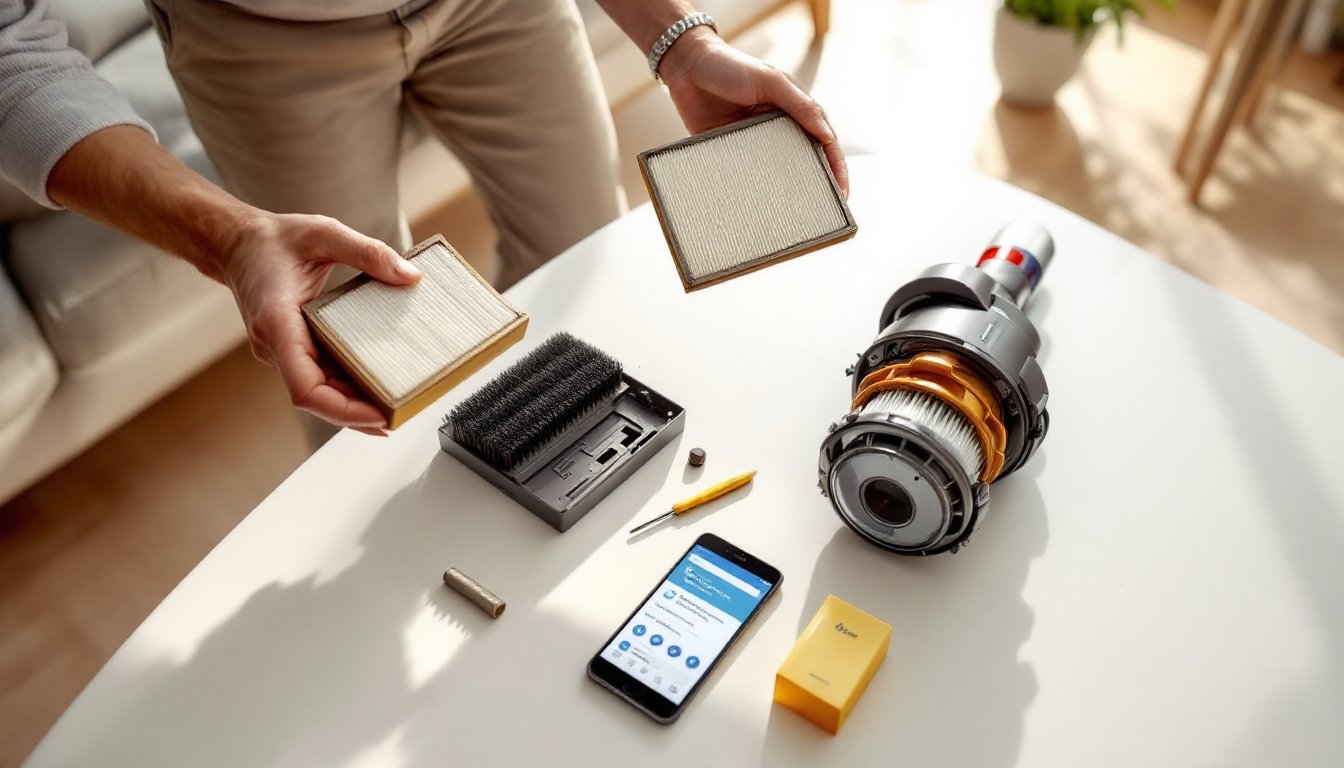
The filter is often the culprit behind lost suction. Dyson filters trap fine dust and allergens, and over time they become clogged and restrict airflow. A clogged filter can reduce suction by 50% or more without any other problems.
First, locate your filter. On upright models like the V15 or V11, it’s typically housed in the upper motor unit. Cordless stick models have a filter cartridge near the dust bin. Consult your user manual if you’re unsure, different Dyson models vary slightly.
Remove the filter gently and tap it firmly over a trash bin to dislodge surface dust. Don’t bang it against a hard edge: the internal pleats are delicate. Next, rinse the filter under warm (not hot) running water. Use your fingers to work away stubborn dust from the pleats, then let it air-dry completely, at least 24 hours. Installing a wet filter will damage the motor and void your warranty.
According to Dyson’s official guidance, filters should be cleaned every month for regular use and replaced annually. Good Housekeeping recommends replacing filters rather than attempting endless cleanings, especially after two years of heavy use, when the filter material naturally degrades. A replacement filter costs $15–$40 depending on the model, a small investment compared to losing performance.
Empty the Dust Bin
An overfull dust bin blocks airflow and kills suction instantly. Many users wait until the bin is visibly packed, but suction drops long before it looks full. A Dyson dust bin should never exceed the MAX line marked on the side, and ideally, empty it when you reach 75% capacity.
To empty the bin, locate the release button (usually on the side or near the top, depending on your model). Press it to detach the bin from the motor head or wand. Hold the bin over a trash can and press the emptying mechanism, typically a button or lever that triggers a trap door at the bottom. Tap the bin gently to shake loose any caked dust, especially at the corners.
While the bin is off, take a moment to check the opening where it connects to the motor unit. Dust can accumulate here and create an air leak that reduces pressure. Wipe the connection point with a dry cloth. If you see thick dust buildup, a soft brush or old toothbrush works well to clear it. Reattach the bin firmly, you should hear a click confirming it’s seated correctly.
Inspect the Brush Head for Blockages
The motorized brush head (or roller) pulls dirt from carpet and fabric. Hair, threads, and pet fur wrap around the roller and gradually reduce its spin speed. A sluggish roller delivers weak suction and poor cleaning performance.
To access the brush head, flip your vacuum upside down (if it’s an upright) or detach the handheld unit and look at the underside. Most Dyson models have a small button or latch that releases the brush head so you can slide it out. Check the manual if the release mechanism isn’t obvious.
Remove Hair and Debris Tangles
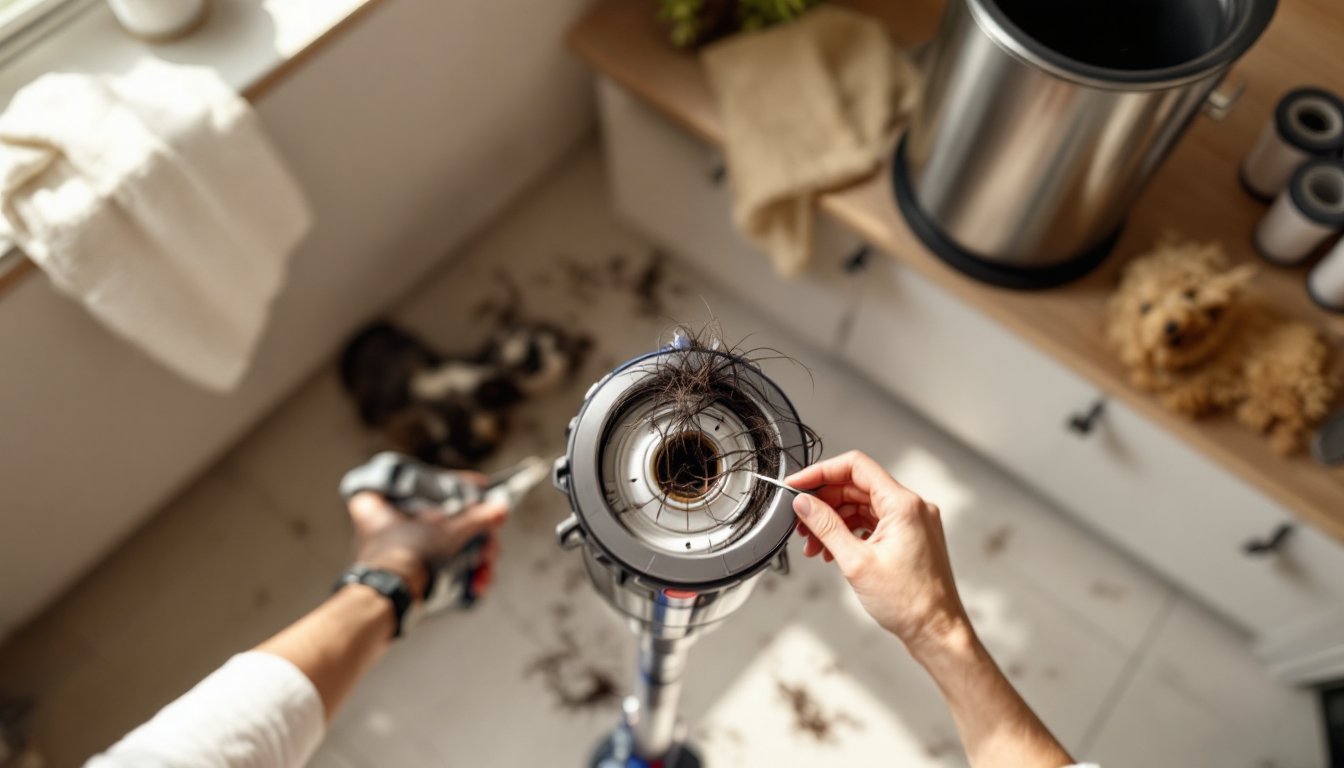
Once the brush head is out, you’ll likely see hair wrapped tightly around the roller. This is completely normal but needs clearing. Use your fingers or a seam ripper to gently unwrap strands, working lengthwise along the roller. For stubborn buildup, soak the head in warm water for 5–10 minutes to soften dried hair and dust, then work it free.
Next, check the end caps (the plastic discs on either side of the roller). Small fibers or hair can jam into the bearings and slow rotation. Use a dry cloth to wipe these areas clean. Don’t use water here, the bearings need to stay dry.
If the roller itself is visibly worn (flattened bristles or chunks missing), replacement is your only fix. OEM Dyson brush heads cost $25–$75. Generic replacements exist but may not fit as precisely or last as long, so the OEM option is usually worth the cost. Reinstall the brush head with a firm click and verify it spins freely by hand before plugging the vacuum back in.
Examine the Air Pathways
Air must flow freely from the brush head through the wand, hose, and into the motor unit. A blockage anywhere in this path tanks suction. Start by visually inspecting the clear plastic wand or hose for clumps of hair, debris, or compressed dirt.
Unplug the vacuum, then hold the wand up to a light and look through it lengthwise. You should see light all the way through. If the passage is dim or blocked, you’ve found the culprit. For minor blockages, use a straightened wire coat hanger or a plumbing snake to gently push the clog out. Don’t jam it, these tubes dent easily and can crack.
If you have a detachable hose, disconnect it and hold it up the same way. Run warm water through it if needed, but let it dry fully before reattaching. On stick models without a removable hose, you may need to disconnect the wand from the motor unit and check where they join, dust can collect at the joint.
Also check the air intake openings near the motor. Some models have small vents that pull air in: dust can cake these shut. Use a dry cloth or soft brush to clear them. Don’t use water here. CNET’s full-length product reviews often highlight these common blockage points in their Dyson teardowns, so checking these areas is preventive maintenance that saves headaches.
Check Battery Health on Cordless Models
If you own a cordless Dyson (V-series, Omni, etc.), a weakened battery reduces motor speed and suction power. The battery doesn’t have to be completely dead to hurt performance, a degraded cell holds less charge, which limits voltage to the motor.
First, fully charge the vacuum and run it on full power. Time how long it runs before the motor slows or cuts out. Dyson’s published runtime figures assume battery capacity at 80% health. If your machine runs only 25–40% of the published time even after a full charge, the battery is likely worn.
Check your warranty. Dyson batteries are typically covered for two years. If your machine is within that window and the battery has failed, contact Dyson directly for a replacement at no cost. If it’s out of warranty, OEM replacement batteries cost $60–$150 depending on capacity (usually 2–3 amp-hours). Third-party batteries exist but vary wildly in quality and safety, stick with Dyson’s official parts.
While the vacuum is off, also inspect the charging contacts (usually metal contacts on the motor unit and base station). Dust, pet hair, or corrosion can prevent good electrical connection. Gently wipe them with a dry cloth. Tom’s Guide reviews for smart home products include battery longevity metrics, so if you’re considering a replacement model, their testing can guide your choice.
Conclusion
A loss of suction usually signals a fixable problem, not a broken vacuum. Start with the filter and dust bin, these account for 80% of suction complaints. Move through the brush head, air pathways, and battery check in order. Most homeowners restore full performance in under an hour. If you’ve worked through all six steps and suction remains weak, contact Dyson support or a certified repair center: internal motor damage is rare but possible and requires professional service.